
Introduction
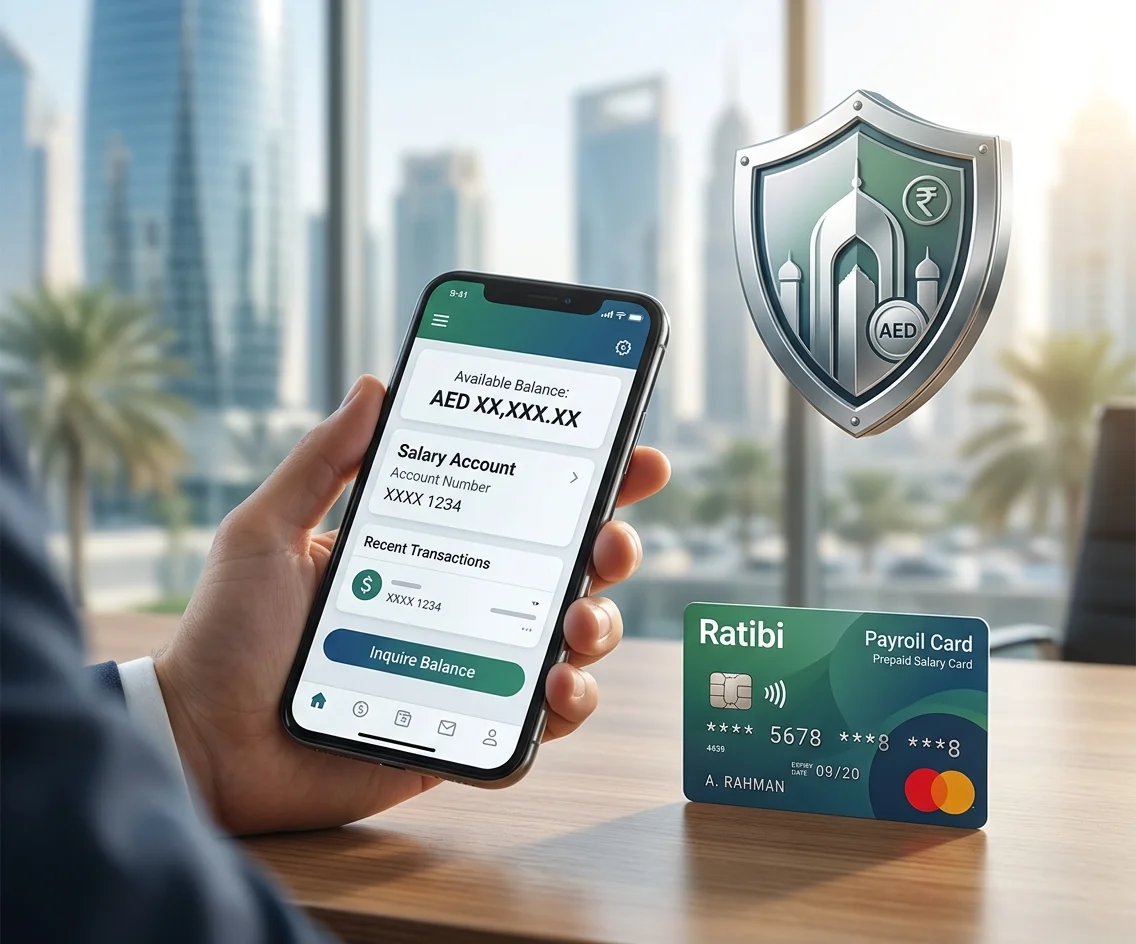
Checking the balance of an old NBAD account or Ratibi salary card should be simple. However, many users find outdated mobile-app instructions, unverified SMS codes, unknown WhatsApp numbers, and websites that ask for sensitive card information.
- Introduction
- NBAD Balance Inquiry at a Glance
- What Is an NBAD Balance Inquiry?
- What Happened to NBAD?
- Official and Unverified Balance-Check Methods
- Ratibi Prepaid Card Balance Inquiry
- FAB Mobile Balance Check
- FAB Internet Banking
- FAB ATM Balance Inquiry
- Customer Care and Branch Support
- Salary and Transaction Alerts
- Ratibi Salary Card Eligibility
- Ratibi Fees and Benefits
- Common NBAD Balance Inquiry Problems
- Wrong Card Digits
- Incorrect Card ID
- CAPTCHA Error
- Magnati Portal Is Not Loading
- FAB Mobile Shows an Old Balance
- Salary Has Not Appeared
- Account or Card Is Not Recognised
- Lost, Stolen, Expired, or Retained Cards
- Safety Tips for an NBAD Balance Enquiry
- Use Only Official Channels
- Never Share an OTP, PIN, or Password
- Do Not Trust a Website Because It Uses a Bank Logo
- Avoid Public Wi-Fi
- Do Not Use Unverified WhatsApp Numbers
- Review Transactions Regularly
- NBAD IBAN and SWIFT Information
- How to Submit a Complaint
- Frequently Asked Questions
- What is the safest way to complete an NBAD balance inquiry?
- Does NBAD still exist?
- Can I use an NBAD mobile application?
- How do I check a Ratibi card balance online?
- Can I check my Ratibi balance using only my Emirates ID?
- Where can I find the Card ID?
- Is the Card ID the same as the PIN?
- Can I view Ratibi transactions on the Magnati portal?
- Can I check a Ratibi balance by SMS?
- Can I check my balance through WhatsApp?
- Can I check a balance at a shop’s POS terminal?
- Can I check a balance at an ATM?
- What is the Ratibi customer-service number?
- Why is my salary not showing on the Ratibi card?
- What should I do when my Ratibi card is lost?
- What happens when an ATM keeps my Ratibi card?
- Do I need a bank account for Ratibi?
- Are NBAD and Emirates NBD the same bank?
- How can I find an old NBAD statement?
- Should I enter my full card number on a balance website?
- Final Thoughts
This creates a serious problem. A person may only want to confirm whether their salary has arrived, but following the wrong instructions could expose their Card ID, account details, PIN, password, or one-time security code.
I started researching NBAD balance inquiry methods when I needed to help a family member check their old Ratibi salary card balance and realized that the instructions available online were inconsistent and often outdated. Some sources still referred to NBAD as a separate bank, while others pointed to different apps, SMS codes, and websites without clearly explaining which ones were actually official or safe to use.
The most difficult part was identifying which information was genuinely linked to First Abu Dhabi Bank (FAB) and its official Magnati prepaid-card services, and which content was published by third-party websites promoting unverified WhatsApp numbers, SMS shortcuts, or mobile apps. It was also challenging to ensure that the methods being followed would not risk exposing sensitive banking details such as Card IDs, PINs, or one-time passwords.
The confusion exists because NBAD no longer operates as a separate bank. National Bank of Abu Dhabi merged with First Gulf Bank, and the combined institution became First Abu Dhabi Bank, or FAB. Current account services are therefore handled through FAB, while eligible Ratibi prepaid-card holders can use the Magnati inquiry portal linked from FAB’s official Ratibi page.
To prepare this guide, I checked the official FAB Ratibi information, FAB digital-service status, current customer-support details, banking-security guidance, and the Magnati prepaid-card inquiry process. I also compared these sources with independent competitor pages to identify instructions that could not be officially verified.
This guide explains the safest ways to complete an NBAD balance inquiry, including FAB Mobile, internet banking, supported ATMs, Ratibi card balance checks, troubleshooting, customer support, and security precautions.
NBAD no longer operates as a separate bank. National Bank of Abu Dhabi merged with First Gulf Bank to form First Abu Dhabi Bank, known as FAB. Regular account balances should now be checked through official FAB services. Ratibi prepaid-card holders can use the Magnati balance inquiry portal linked from FAB’s official Ratibi page.
The merger was announced in July 2016, approved by shareholders in December 2016, and completed under the First Abu Dhabi Bank name in 2017. New FAB shares began trading on April 2, 2017.
This guide explains the verified ways to complete an NBAD balance inquiry, including:
- FAB Mobile
- FAB internet banking
- Supported FAB ATMs
- The Magnati Ratibi card inquiry portal
- Ratibi customer support
- FAB branches
- Common card and balance problems
- Banking security precautions
Last fact-checked: July 25, 2026
Banking services, support numbers, card rules, and digital processes can change. Confirm important information through FAB or Magnati.
Independent-site disclosure: This is an independent informational guide. It is not operated by or affiliated with First Abu Dhabi Bank or Magnati. Never enter card or account details directly on an independent article website.
NBAD Balance Inquiry at a Glance
| Product or situation | Recommended method |
|---|---|
| FAB current or savings account | FAB Mobile or internet banking |
| FAB debit card | FAB Mobile, internet banking, or a supported FAB ATM |
| FAB credit card | FAB Mobile or internet banking |
| Ratibi prepaid salary card | Official Magnati portal or supported ATM |
| Account with no digital access | FAB customer support or branch |
| Old or inactive NBAD account | Contact FAB for account-status support |
| Lost or blocked Ratibi card | Contact your employer and Ratibi support |
FAB’s service-status page confirms that account balances, transaction histories, and credit-card balances are available through its digital banking channels.
What Is an NBAD Balance Inquiry?
An NBAD balance inquiry means checking the money available in a bank account or card that was previously connected with the National Bank of Abu Dhabi.
The correct method now depends on your product.
Regular Bank Accounts and Cards
If you have a current account, savings account, debit card, or credit card now managed by FAB, use:
- FAB Mobile
- FAB internet banking
- A supported ATM for debit-card or account enquiries
- FAB customer support
- A FAB branch
Ratibi Prepaid Salary Cards
If you have a Ratibi salary card, use:
- The official Magnati prepaid-card inquiry portal
- A supported ATM
- Ratibi customer support
- Your employer when the problem relates to salary processing or card replacement
A Ratibi card is not the same as a standard current or savings account. It is a payroll prepaid card that allows eligible workers to receive wages without opening a bank account.
What Happened to NBAD?
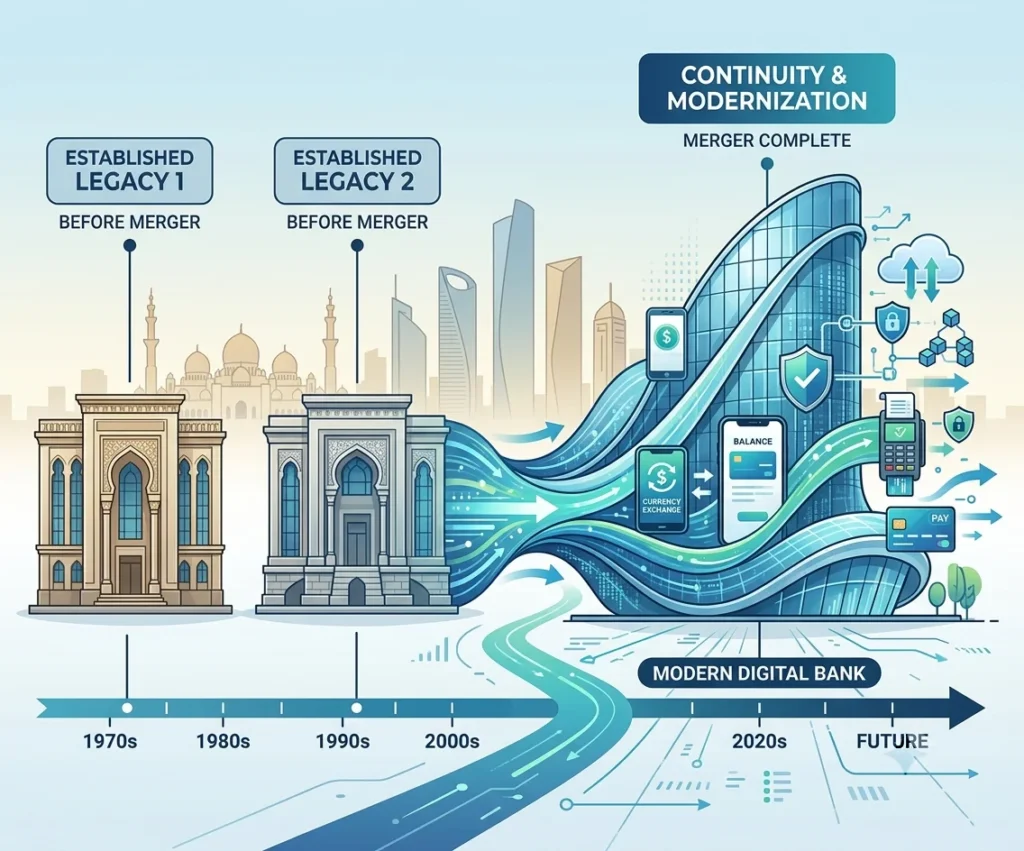
NBAD stood for National Bank of Abu Dhabi.
NBAD and First Gulf Bank announced their proposed merger on July 3, 2016. Their shareholders approved the transaction on December 7, 2016. FGB shares were removed from trading on March 30, 2017, and new FAB shares started trading on April 2, 2017. The new bank adopted the name First Abu Dhabi Bank.
This means:
- NBAD is no longer a separate consumer banking brand.
- Current accounts and banking services are handled through FAB.
- Customers should not search for a new NBAD mobile application.
- Old NBAD cards, statements, or agreements may still carry the former name.
- Current customer support should be requested through FAB.
Official and Unverified Balance-Check Methods
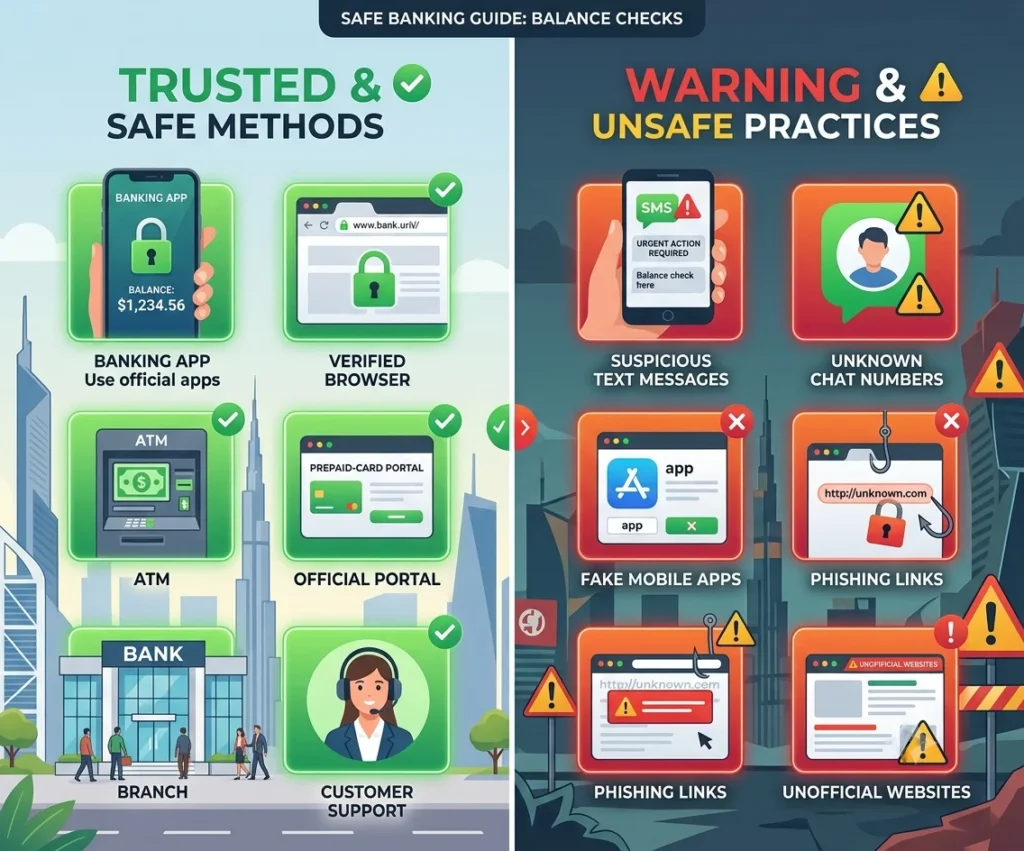
Several competitor websites list methods that are not confirmed by FAB or Magnati.
Use this table before following any online instructions:
| Method | Status | Best use |
|---|---|---|
| Magnati prepaid-card portal | Officially linked by FAB | Ratibi prepaid cards |
| FAB Mobile | Official | FAB accounts, debit cards, and credit cards |
| FAB internet banking | Official | FAB account and credit-card balances |
| Supported FAB ATM | Official banking channel | Debit and prepaid cards |
| Ratibi support number | Official | Card access and technical problems |
| FAB branch | Official | Old accounts, identity issues, and complex requests |
| Salary-credit SMS alert | Official Ratibi benefit | Confirmation that salary was credited |
| Public SMS balance command | Not verified | Do not publish or use an unofficial code |
| WhatsApp balance inquiry | Not verified | Do not share card information |
| Point-of-sale balance inquiry | Not verified | Use an official channel instead |
| Payit as a Ratibi balance method | Not verified for this purpose | Do not present it as a Ratibi inquiry method |
| Emirates ID-only balance check | Not shown on the official portal | Use the required card information |
This distinction is important because some independent pages publish SMS codes, WhatsApp numbers, and other methods without reliable official support.
Ratibi Prepaid Card Balance Inquiry
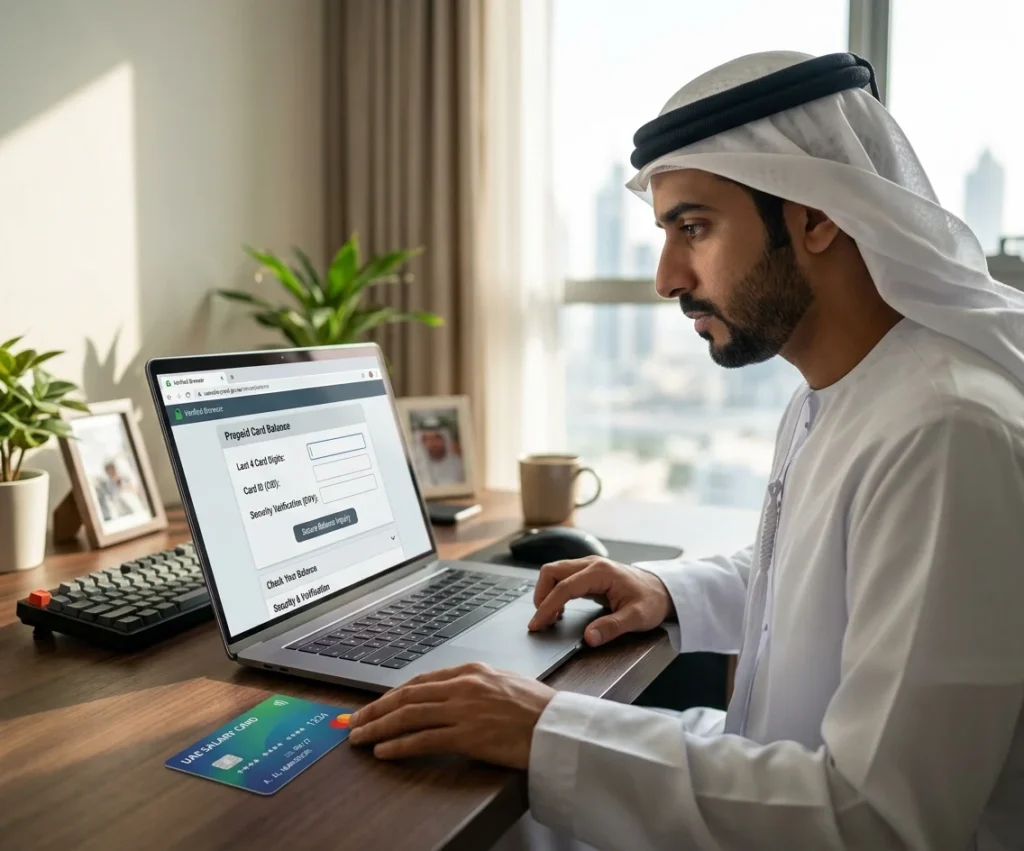
FAB’s official Ratibi page links existing cardholders to a prepaid-card balance enquiry service operated through Magnati.
The Magnati form asks for:
- The last four digits of the card number
- The Card ID
- A CAPTCHA security code
It does not ask for only the last two card digits. It also does not show an Emirates ID-only option.
How to Check a Ratibi Card Balance
- Open FAB’s official Ratibi page.
- Select the prepaid-card balance enquiry option.
- Confirm that the page opens on the
ppc.magnati.comdomain. - Enter the last four digits of your card.
- Enter the Card ID.
- Complete the CAPTCHA.
- Select the button to continue.
Important Card ID Warning
The public Magnati form labels one field as “Card ID,” but it does not explain on the page where that number is printed or whether it follows one format for every card.
Do not guess the Card ID. Do not enter your full card number unless FAB or Magnati directly instructs you to do so.
When you cannot identify it, contact Ratibi support or ask your employer for help.
Information You Should Never Enter
Do not enter the following on an unknown balance website:
- Full card PIN
- FAB Mobile PIN
- Internet banking password
- One-time password
- Full Emirates ID details
- Full card information
- Account password
- Security answers
FAB states that its staff will not ask customers for a password, OTP, or PIN.
FAB Mobile Balance Check
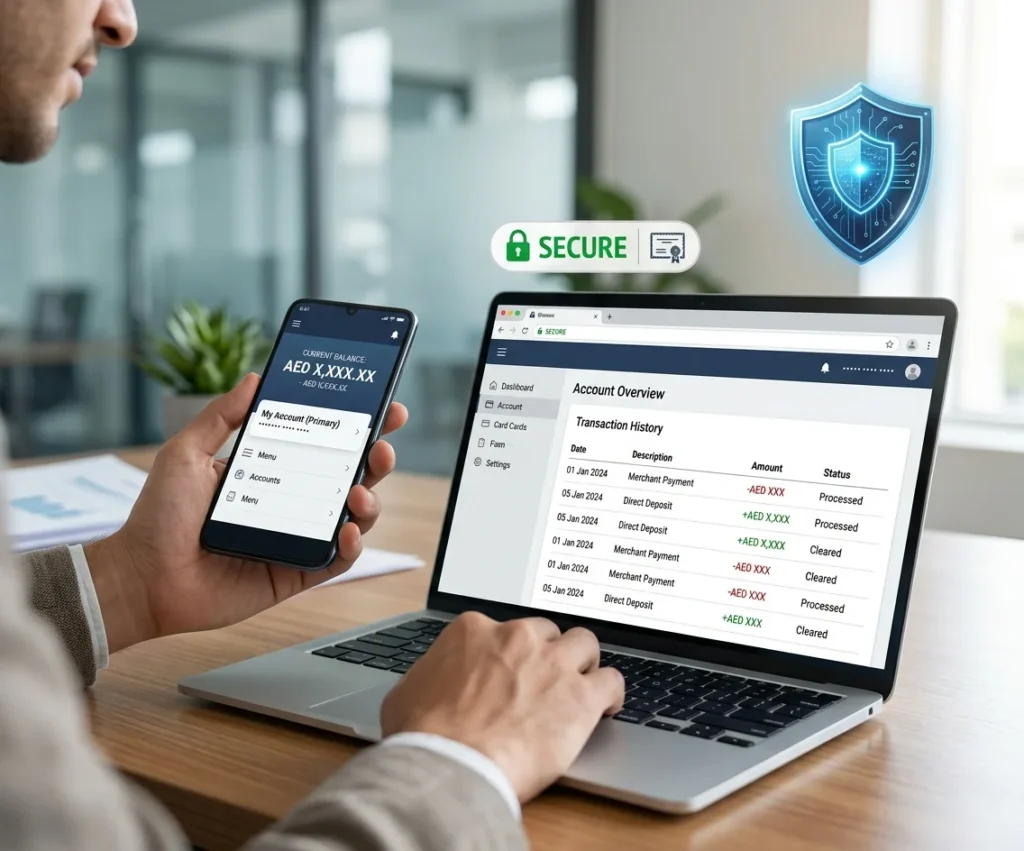
FAB Mobile is the main digital option for customers with standard FAB accounts, debit cards, or credit cards.
Through FAB Mobile, customers can view account balances and transaction histories. Credit-card balances and card transactions are also available.
How to Check a Balance Through FAB Mobile
- Open the official FAB Mobile application.
- Log in using your registered details.
- Open the account or cards section.
- Select the required account or card.
- Review the available balance.
- Check recent transactions for unexpected activity.
FAB directs customers to download its official app through the Apple App Store, Google Play Store, or Huawei AppGallery.
Problems Logging In
When the application does not open or shows a maintenance message:
- Update FAB Mobile.
- Check your internet connection.
- Try again later.
- Use the “Forgot PIN” option when needed.
- Review FAB’s service-status page.
- Contact the bank if the problem continues.
FAB’s current support information confirms that customers can reset a forgotten PIN, update their email or mobile number, and update identity documents through supported digital services.
FAB Internet Banking
FAB internet banking is another official way to check a regular account or credit-card balance.
Its service-status page currently lists the following as available:
- Account balances
- Account transaction histories
- Credit-card balances
- Credit-card transactions
- Internet banking login and registration
Safe Internet Banking Steps
- Type the official address into your browser.
- Confirm that the domain is
online.bankfab.com. - Check the full URL and padlock symbol.
- Use a private and trusted device.
- Avoid public Wi-Fi.
- Log out when you finish.
FAB specifically advises customers to use its official online banking domain, verify the URL, avoid public Wi-Fi, and protect login information.
FAB ATM Balance Inquiry
A supported FAB ATM can be useful for checking a debit-account or prepaid-card balance.
A normal ATM inquiry may involve:
- Insert or tap the card.
- Enter the PIN privately.
- Select “Balance Inquiry.”
- Choose the account where required.
- View the balance on the screen or request a receipt.
- Collect the card before leaving.
Do not depend on an ATM for checking a credit-card balance when FAB Mobile or internet banking is available.
ATM Safety
- Cover the keypad while entering your PIN.
- Do not accept help from strangers.
- Check the machine for unusual attachments.
- Stop when the ATM looks damaged or altered.
- Do not repeatedly enter an incorrect PIN.
- Contact support when the ATM keeps your card.
FAB advises customers to protect their PIN and use secure banking channels.
Customer Care and Branch Support
Customer care is useful when you cannot use the official balance channels or when the problem involves:
- A blocked card
- An inactive account
- A lost card
- A changed mobile number
- Incorrect personal information
- An old NBAD account
- A missing salary
- An unknown transaction
- A card that the portal does not recognise
Customer support may not provide an exact balance by telephone. The bank will decide what information can be shared after completing security checks.
Current Support Numbers
| Support service | Within the UAE | Outside the UAE |
|---|---|---|
| General FAB support | 600 52 5500 | +971 2 681 1511 |
| Ratibi support | 600 52 2298 | +971 2 499 6279 |
FAB currently publishes these Ratibi numbers on its contact page.
When to Visit a Branch
A branch visit may be useful for:
- An old or dormant NBAD account
- Identity-verification problems
- Historical statement requests
- Updating records that cannot be changed online
- Complex complaints
- Account-status confirmation
- Card or account ownership issues
Use FAB’s official branch and ATM locator before travelling.
Bring valid identification and any old NBAD or FAB documents that may help identify the account.
Salary and Transaction Alerts
Ratibi provides free SMS alerts when salary is credited to the card.
This means an SMS can confirm that a salary payment has arrived. It does not prove that there is a public SMS command for requesting a live balance.
I could not verify an official public NBAD or Ratibi SMS balance-check command from the FAB or Magnati sources used for this guide.
For a current balance, use:
- The Magnati portal
- FAB Mobile, when the product is supported
- Internet banking for a regular account
- A supported ATM
- Customer support
Transaction or email alerts may help you follow account activity, but they should not replace a live balance check.
Ratibi Salary Card Eligibility
Ratibi is mainly arranged by the employer.
FAB currently states that:
- The employer must hold a corporate account with the bank.
- The employee must be a UAE resident.
- Employee KYC information must be complete and current.
- The employer acts as the contact point between employees and the bank.
- Applications are submitted through the employer.
- The card is designed for employees earning up to AED 5,000.
An employee normally cannot complete the full Ratibi application alone.
Ratibi Fees and Benefits
FAB’s current Ratibi information lists:
- No bank account required
- No minimum balance requirement
- No monthly charges for cardholders
- Free salary-credit SMS alerts
- ATM access
- In-store and online card use
- Support through a 24-hour call centre
Other charges may apply to card replacement, international transactions, foreign-currency use, or additional services.
Always check the latest official terms or key facts statement before relying on an old fee table.
Common NBAD Balance Inquiry Problems
Wrong Card Digits
The Magnati form asks for the final four card-number digits.
Do not enter only two digits because an independent website tells you to do so.
Incorrect Card ID
Check that the Card ID is entered correctly.
When you cannot find it, contact Ratibi support or your employer instead of guessing.
CAPTCHA Error
Refresh the CAPTCHA and type the new code carefully.
Magnati Portal Is Not Loading
Try the following:
- Open the portal through FAB’s official Ratibi page.
- Refresh the browser.
- Use a different secure browser.
- Clear the browser cache.
- Turn off an unreliable VPN.
- Try again later.
- Contact Ratibi support if the problem continues.
FAB Mobile Shows an Old Balance
- Refresh the account screen.
- Check the transaction list.
- Update the application.
- Log out and sign in again.
- Review FAB’s service status.
- Contact support when the balance remains incorrect.
Salary Has Not Appeared
Possible causes include:
- The employer has not submitted the salary file.
- Payroll is still processing.
- Employee details are incomplete.
- The card is inactive or expired.
- The employer entered incorrect information.
- A banking or public-holiday delay affected processing.
Contact your employer or payroll department first. FAB states that employers act as the contact point between Ratibi employees and the bank.
Account or Card Is Not Recognised
Check:
- The expiry date
- Whether the card was activated
- Whether it was replaced
- Whether the Card ID is correct
- Whether it is a Ratibi card or another prepaid product
Contact support if you cannot identify the product.
Lost, Stolen, Expired, or Retained Cards
Lost or Stolen Card
Report the card immediately to your employer and Ratibi support.
Do not wait until an unauthorised transaction appears.
Expired Card
Ask the employer whether a replacement has been requested or issued.
Card Retained by an ATM
FAB’s Ratibi policy states that a card kept by an ATM may be destroyed by the receiving bank. The employer must then apply for a replacement card.
Card Blocked After Wrong PIN Attempts
Do not keep trying different PINs. Contact Ratibi support or the employer for the correct recovery process.
Safety Tips for an NBAD Balance Enquiry
Use Only Official Channels
For internet banking, use online.bankfab.com.
For a Ratibi inquiry, follow FAB’s link to ppc.magnati.com.
Never Share an OTP, PIN, or Password
FAB states that staff will never ask for these details.
Do Not Trust a Website Because It Uses a Bank Logo
A fake page can copy names, logos, colours, and text.
Always check the full domain.
Avoid Public Wi-Fi
Use a trusted mobile network or private connection for banking.
Do Not Use Unverified WhatsApp Numbers
I could not verify a public FAB WhatsApp balance-check method from the official sources reviewed for this article.
Never send your:
- Card number
- Card ID
- Emirates ID
- PIN
- OTP
- Password
to a number found on an independent balance website.
Review Transactions Regularly
Contact FAB immediately when you find a transaction you do not recognise.
NBAD IBAN and SWIFT Information
An IBAN or SWIFT code is not needed to check a balance. These details are used for bank transfers.
Old NBAD documents may show historical banking information. For a new transfer:
- Use the details shown in the recipient’s current FAB account.
- Confirm the IBAN on an official bank document.
- Do not copy an old NBAD code from an independent site.
- Ask FAB when the account information is unclear.
FAB provides an official IBAN generator for UAE accounts.
How to Submit a Complaint
FAB currently accepts complaints through:
- Its online complaint form
- Telephone support
- FAB Mobile
- A branch visit
The bank lists 600 52 5500 for calls within the UAE and +971 2 681 1511 internationally. Its complaint email is atyourservice@bankfab.com.
When submitting a complaint, keep:
- The reference number
- Dates and times
- Screenshots
- Transaction details
- Copies of emails
- The names of departments contacted
Do not include your PIN, password, or OTP in an email.
Frequently Asked Questions
What is the safest way to complete an NBAD balance inquiry?
Use FAB Mobile or internet banking for a regular account. Use the Magnati inquiry portal linked from FAB’s Ratibi page for a Ratibi salary card.
Does NBAD still exist?
NBAD no longer operates as a separate bank. It merged with First Gulf Bank to form First Abu Dhabi Bank.
Can I use an NBAD mobile application?
Use the current official FAB Mobile application. Do not download an application that claims to be a separate current NBAD banking app.
How do I check a Ratibi card balance online?
Open FAB’s official Ratibi page, follow its Magnati balance-enquiry link, and enter the last four card digits, Card ID, and CAPTCHA.
Can I check my Ratibi balance using only my Emirates ID?
The public Magnati form asks for the final four card digits, Card ID, and a CAPTCHA. It does not show an Emirates ID-only balance option.
Where can I find the Card ID?
The public Magnati form does not explain where the Card ID appears. Do not guess it. Contact Ratibi support or your employer when you cannot identify it.
Is the Card ID the same as the PIN?
No. The Card ID is a separate field used by the prepaid-card inquiry portal. Never enter your card PIN into the public Magnati form.
Can I view Ratibi transactions on the Magnati portal?
The public Magnati page is presented as a prepaid-card inquiry service. It does not clearly promise a downloadable statement or full transaction history. Contact Ratibi support when you need detailed transaction records.
Can I check a Ratibi balance by SMS?
Ratibi provides free SMS alerts when salary is credited. I could not verify a public SMS command for requesting a current balance.
Can I check my balance through WhatsApp?
I could not verify an official public FAB WhatsApp balance-check method. Do not send card or identity information to an unverified number.
Can I check a balance at a shop’s POS terminal?
Some independent websites mention this method, but I could not confirm it through FAB or Magnati. Use an official balance channel instead.
Can I check a balance at an ATM?
A supported FAB debit or prepaid card may be used at an ATM. Protect your PIN and follow the on-screen instructions.
What is the Ratibi customer-service number?
Call 600 52 2298 within the UAE or +971 2 499 6279 from outside the UAE.
Why is my salary not showing on the Ratibi card?
The employer may not have completed payroll, processing may still be underway, or employee information may need correction. Contact the employer first.
What should I do when my Ratibi card is lost?
Report it immediately to your employer and Ratibi support. Ask the employer about the replacement process.
What happens when an ATM keeps my Ratibi card?
FAB states that a retained Ratibi card may be destroyed by the receiving bank. The employer must request a replacement.
Do I need a bank account for Ratibi?
No. FAB describes Ratibi as a payroll prepaid card for eligible employees who can receive wages without opening a bank account.
Are NBAD and Emirates NBD the same bank?
No. NBAD became part of First Abu Dhabi Bank. Emirates NBD is a separate UAE bank.
How can I find an old NBAD statement?
Contact FAB customer support or visit a branch. Historical statements may require identity checks, old account details, request forms, and possible archive fees.
Should I enter my full card number on a balance website?
No. The official Magnati form requests only the last four card digits, Card ID, and CAPTCHA.
Final Thoughts
An NBAD balance inquiry should now be completed through current FAB services or the officially linked Magnati prepaid-card portal.
The most important lesson is to identify the product before selecting a method. A regular FAB bank account is not the same as a Ratibi prepaid salary card. Bank accounts can normally be reviewed through FAB Mobile or internet banking, while Ratibi cardholders can use the Magnati inquiry service linked from FAB’s official prepaid-card information.
From my own research experience, I learned that the safest approach is to begin any NBAD balance inquiry from the official First Abu Dhabi Bank (FAB) website and then navigate only to the verified banking or prepaid-card service pages. This helped me avoid outdated or misleading instructions that still circulate on third-party websites claiming to offer NBAD services.
I also found that users should never rely on SMS codes, WhatsApp numbers, or mobile applications promoted by independent websites unless they are clearly listed on the official FAB or Magnati platforms. The most reliable practice is to verify every method directly through official banking channels before entering any card details, PIN, or one-time password.
Based on the verified information reviewed for this guide, my practical recommendations are:
- Use FAB Mobile or internet banking for a regular account.
- Follow FAB’s official link to Magnati for a Ratibi card inquiry.
- Check that the website domain is correct before entering information.
- Contact Ratibi support when you cannot identify the Card ID.
- Ask your employer about missing salary payments or card replacement.
- Never share a PIN, password, or OTP.
- Avoid unverified SMS, WhatsApp, and point-of-sale balance methods.
- Contact FAB immediately when you notice an unknown transaction.
FAB currently lists account and credit-card balance services through its digital channels, while its Ratibi page confirms the product’s official support details and prepaid-card structure.
Overall, the safest process is simple: identify the card or account, use the correct official channel, and protect every piece of sensitive banking information. Only FAB, Magnati, or the cardholder’s employer can confirm a specific balance, salary payment, card status, fee, or transaction.